Approval-Required Purchase
Configure a product and submit it to a designated manager before the order is released.
When to use it
Best for higher-cost items, employee allowances, restricted products, and purchases that require department or manager authorization.
Customer experience
- Choose the product options
- Review the request total
- Submit to the designated approver
- Order proceeds after approval
Admin setup
Select this workflow, choose the required approver or approval group, and set the rule that triggers approval—such as every order, a product restriction, an allowance overage, or a dollar threshold.
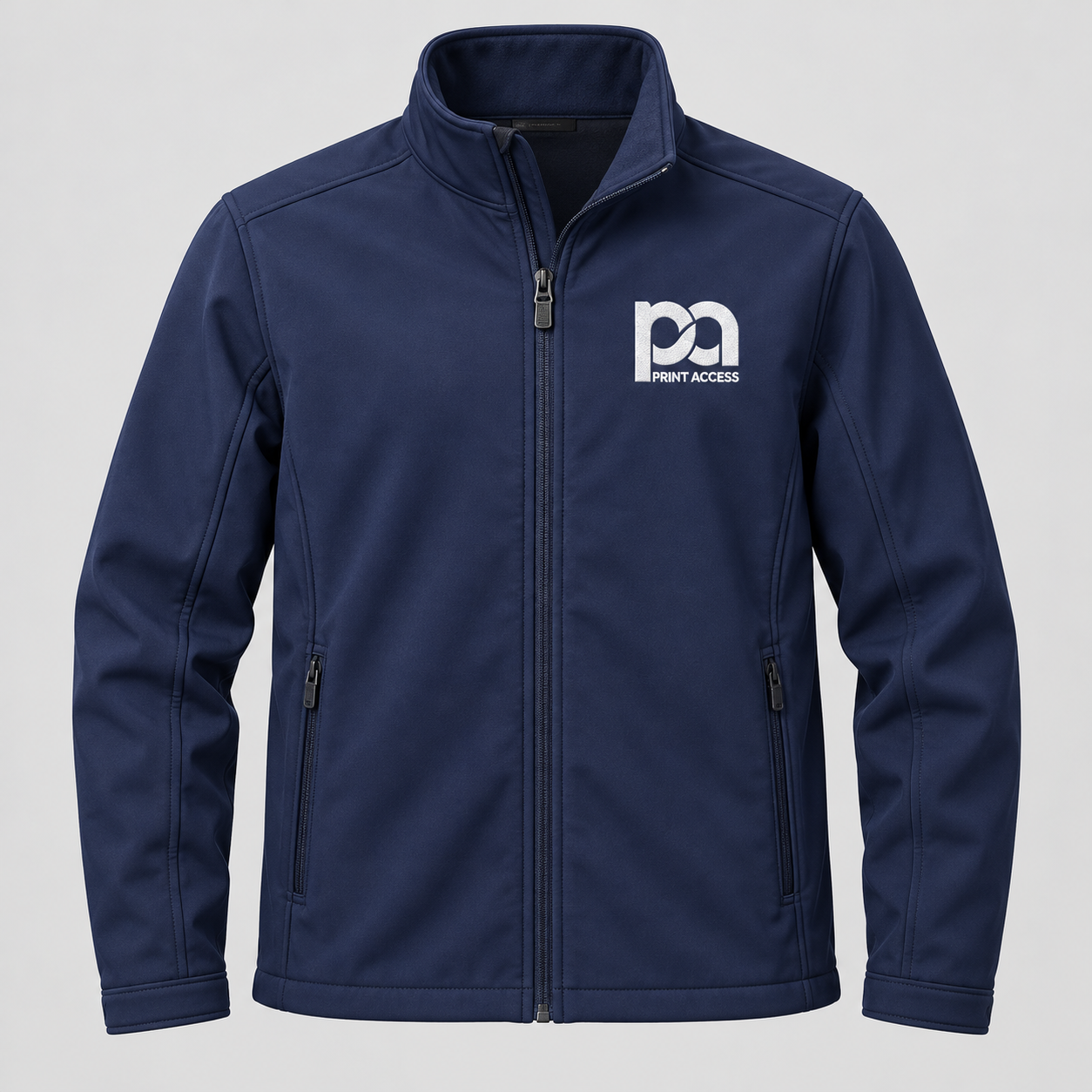 One navy softshell jacket · One-color white embroidery
EMPLOYEE OUTERWEAR
Logo Softshell Jacket
Product total$72.00
Available allowance$50.00
Approval amount$22.00
Approval route
Jordan Lee → Department Manager
This is not an order yet. The manager may approve or decline the request.Jordan Lee → Department Manager
Review scope: This is Workflow 8 only. Workflow 9 will not be built until this workflow and its admin setup are approved.