PrintAccessProduct WorkflowsDEV SHOWCASEExplore all workflows ↓
A better way to sell branded products

Every product gets the buying experience it needs.

PrintAccess turns client-specific rules, artwork, inventory, and approvals into storefronts that are easy to buy from—and easy to manage.

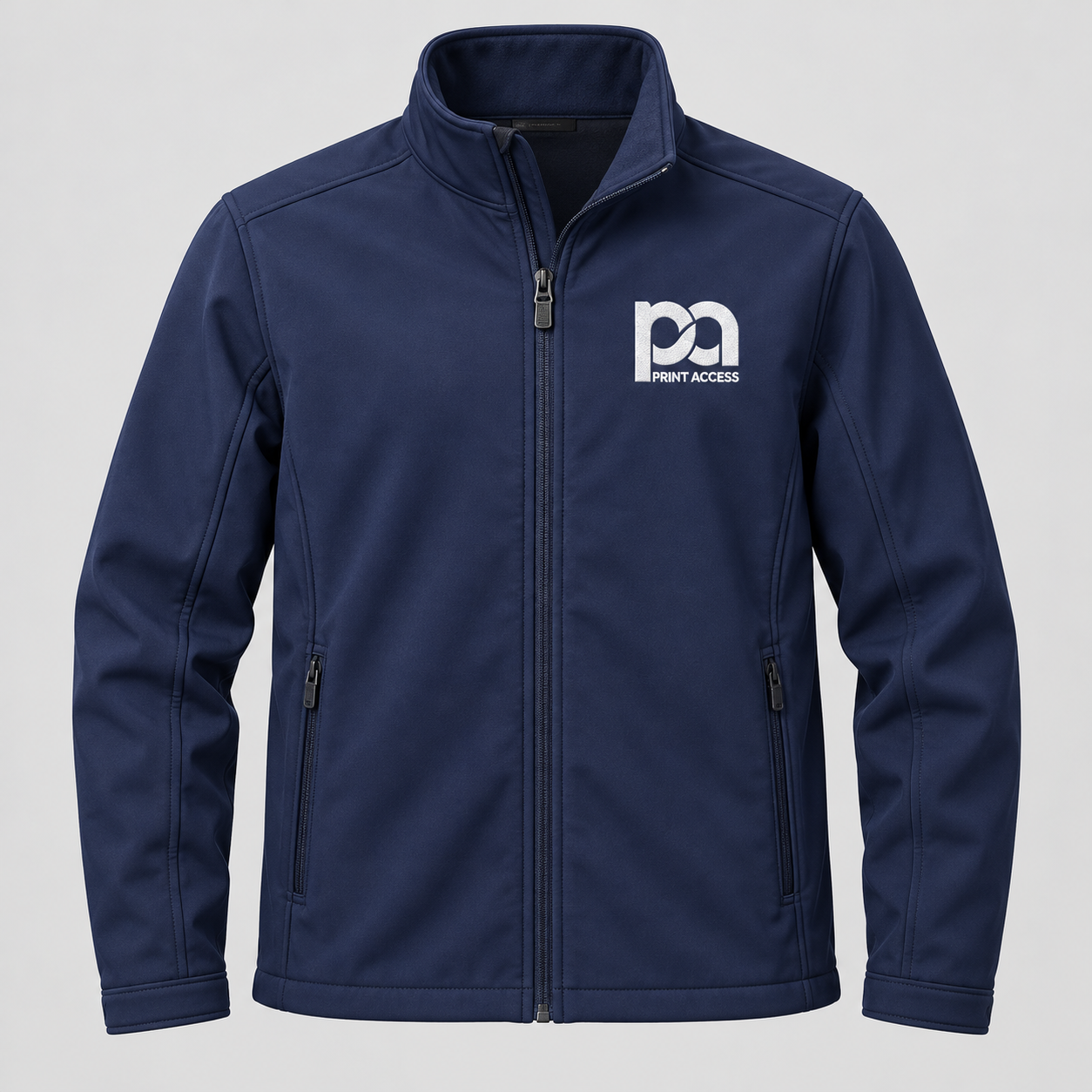
Branded shirt
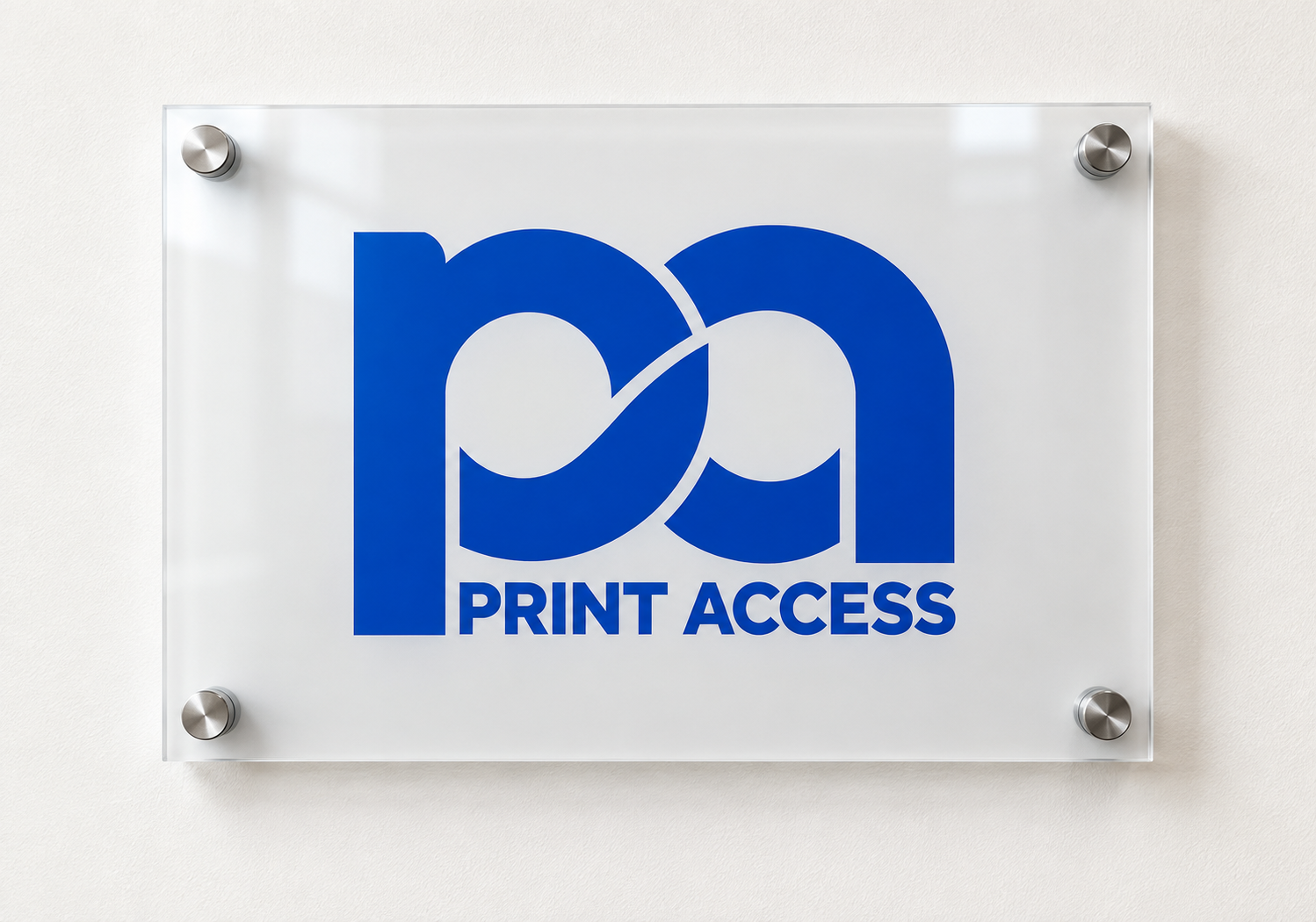
Custom lobby sign
Personalized business cards
From simple purchases to custom projects
9 purchase workflowsChoose the right path for each product.
One admin experienceConfigure the workflow while adding the product.
Client-specific storefrontsEach client sells through its own PrintAccess subdomain.

Start with how the product should be purchased.

A notebook should not feel like a custom sign project. A business card should not be ordered like a stocked hard hat. PrintAccess gives each product a clear, purpose-built path while keeping everything inside one platform.

Make repeat buying effortless

Ready products, apparel, approved designs, kits, and stocked supplies move directly toward checkout.

Standard Purchase example01Fastest path

Standard Purchase

A familiar product page for items that are ready to order.

See how it works
Multi-Size / Variant Purchase example02Apparel & variants

Multi-Size / Variant Purchase

Order several sizes or variations of the same product at once.

See how it works
Approved-Design Selection example05Approved artwork

Approved-Design Selection

Offer a controlled library of designs without opening up editing.

See how it works
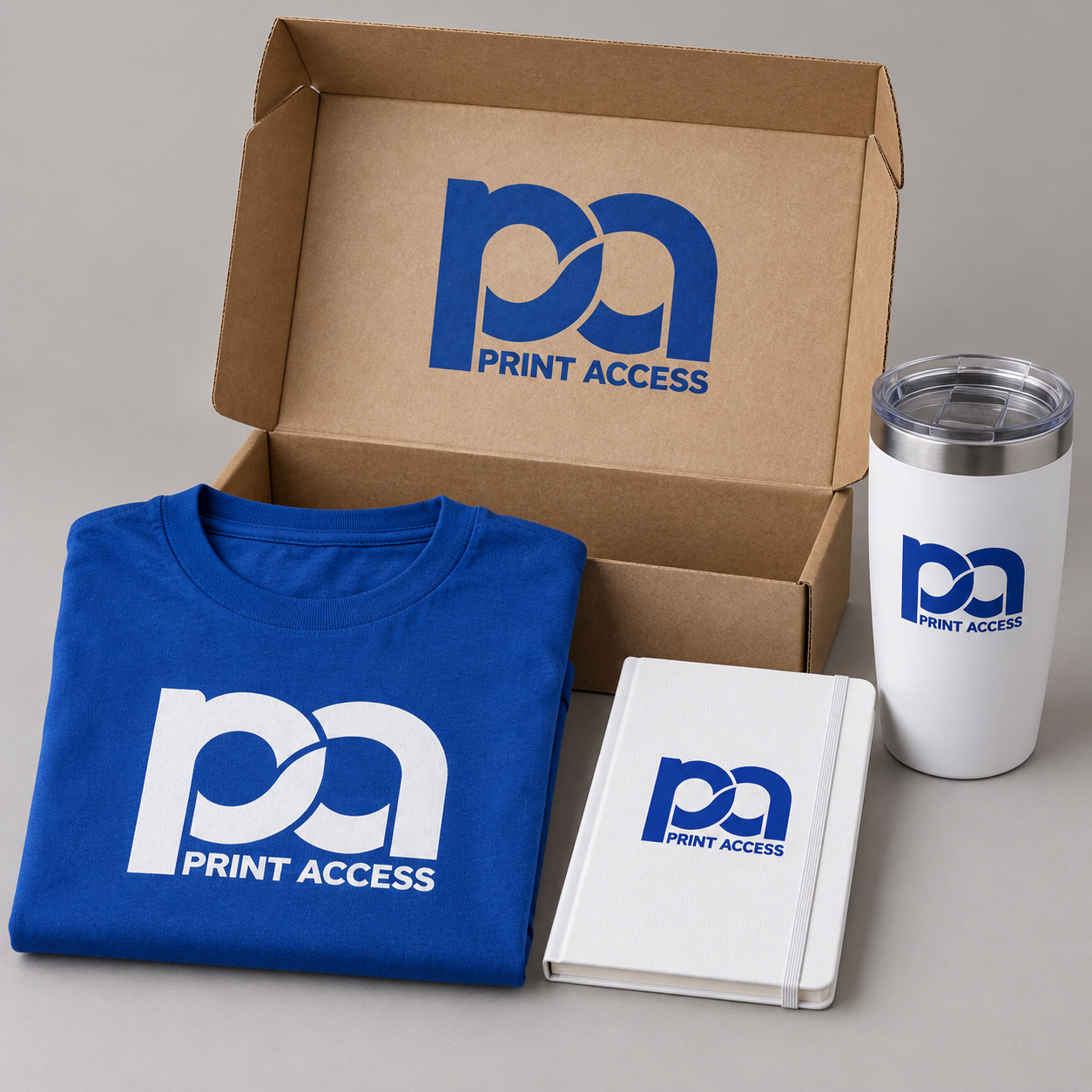
Kit / Bundle Purchase example06Complete package

Kit / Bundle Purchase

Sell a defined set of products as one easy-to-order kit.

See how it works

Give customers control—within your rules

Buyers can personalize approved templates or supply artwork without sacrificing brand standards.
Editable Template with Proof example03Controlled editing

Editable Template with Proof

Let buyers change approved fields and review the finished proof.

See how it works
Artwork Upload with Instant Proof example04Customer artwork

Artwork Upload with Instant Proof

Accept finished artwork, check it automatically, and show an instant proof.

See how it works

Handle purchasing rules and custom work

Inventory, approval routing, allowances, and quote requests support orders that need more structure.
Inventory-Controlled Purchase example07Live availability

Inventory-Controlled Purchase

Show available stock and enforce product and order limits.

See how it works
Approval-Required Purchase example08Authorization

Approval-Required Purchase

Route restricted or over-allowance purchases for approval.

See how it works
Quote-Required Product example09Custom pricing

Quote-Required Product

Collect project details before pricing complex custom work.

See how it works

More flexibility without more confusion.

Admins select a workflow when creating a product. Customers only see the choices and steps that apply to what they are buying.

Clearer buying decisions

Each page asks only for the information needed to complete that product.

Consistent brand control

Approved artwork, templates, and product options stay within defined rules.

Fewer manual handoffs

Instant proofs, inventory status, and approval routing reduce unnecessary follow-up.

Room for custom work

Quote requests collect structured details when fixed-price checkout is not appropriate.

See the workflow that best matches your product.

Every example shows the customer experience, the use case, and what the administrator configures.

Start with Workflow 1