Approved-Design Selection
Choose from a controlled library of approved artwork already shown on the product.
When to use it
Best when customers may select approved logos, campaigns, departments, locations, or event designs without changing the artwork.
Customer experience
- View product
- Choose an approved design
- See the selected product image
- Select quantity and add to cart
Admin setup
Select this workflow and upload the approved artwork choices. Admins control each design’s name, availability, sort order, and the products or stores where it may be used.
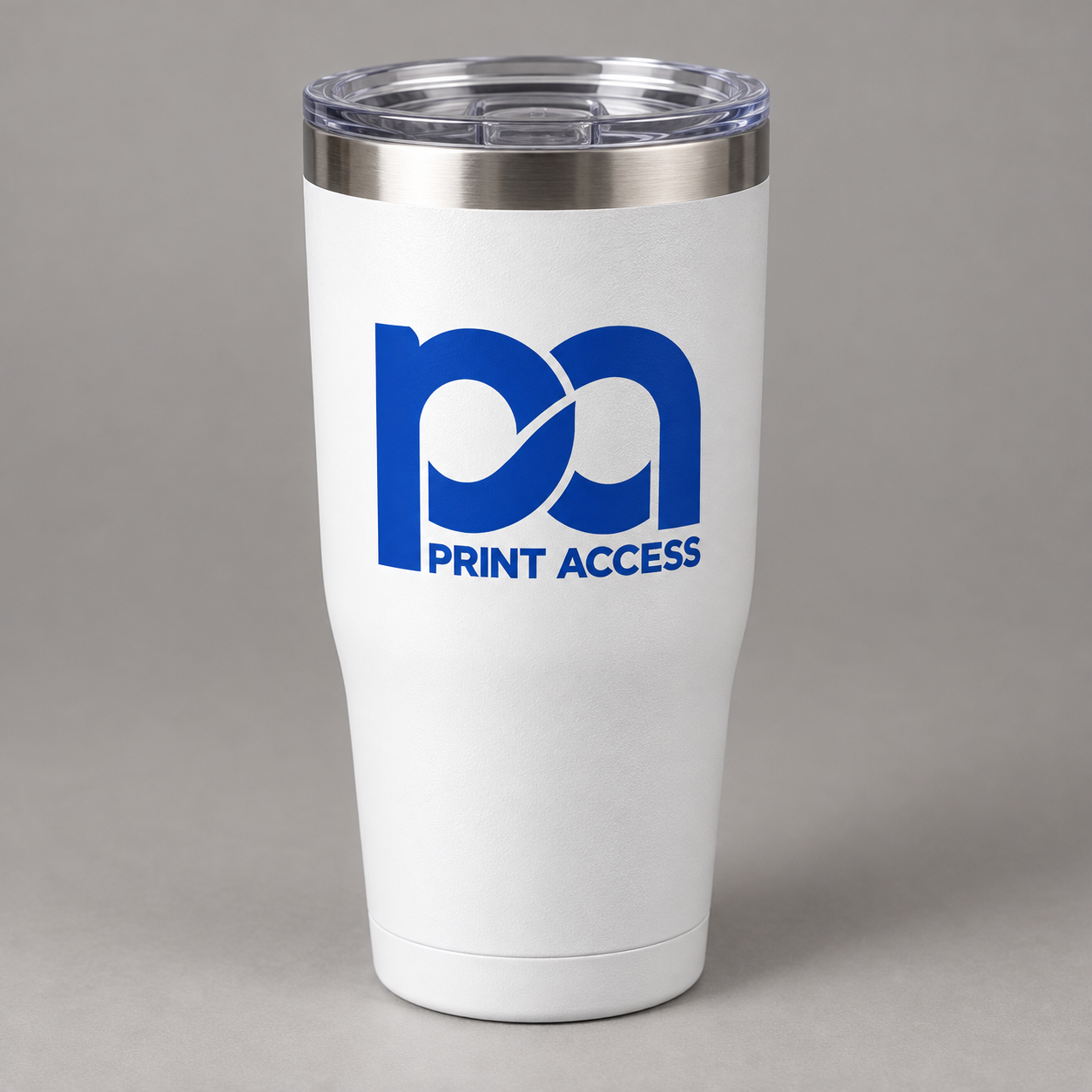 Selected product · One-color blue imprint
Choose approved artwork
Approved design: Corporate Blue
One-color blue imprint · Front center · Approved for this product
One-color blue imprint · Front center · Approved for this product
Review scope: This is Workflow 5 only. Workflow 6 will not be built until this workflow and its admin setup are approved.