Artwork Upload with Instant Proof
Upload finished artwork, run automated file checks, and instantly preview it on the product.
When to use it
Best for banners, signs, custom print pieces, and promotional products when the customer supplies finished artwork.
Customer experience
- Choose product and specifications
- Upload finished artwork
- Review automated file checks
- Approve instant product proof
Admin setup
Select this workflow and define the product size, printable area, bleed, accepted artwork formats, and automated file requirements. The system uses those settings to generate the instant proof.
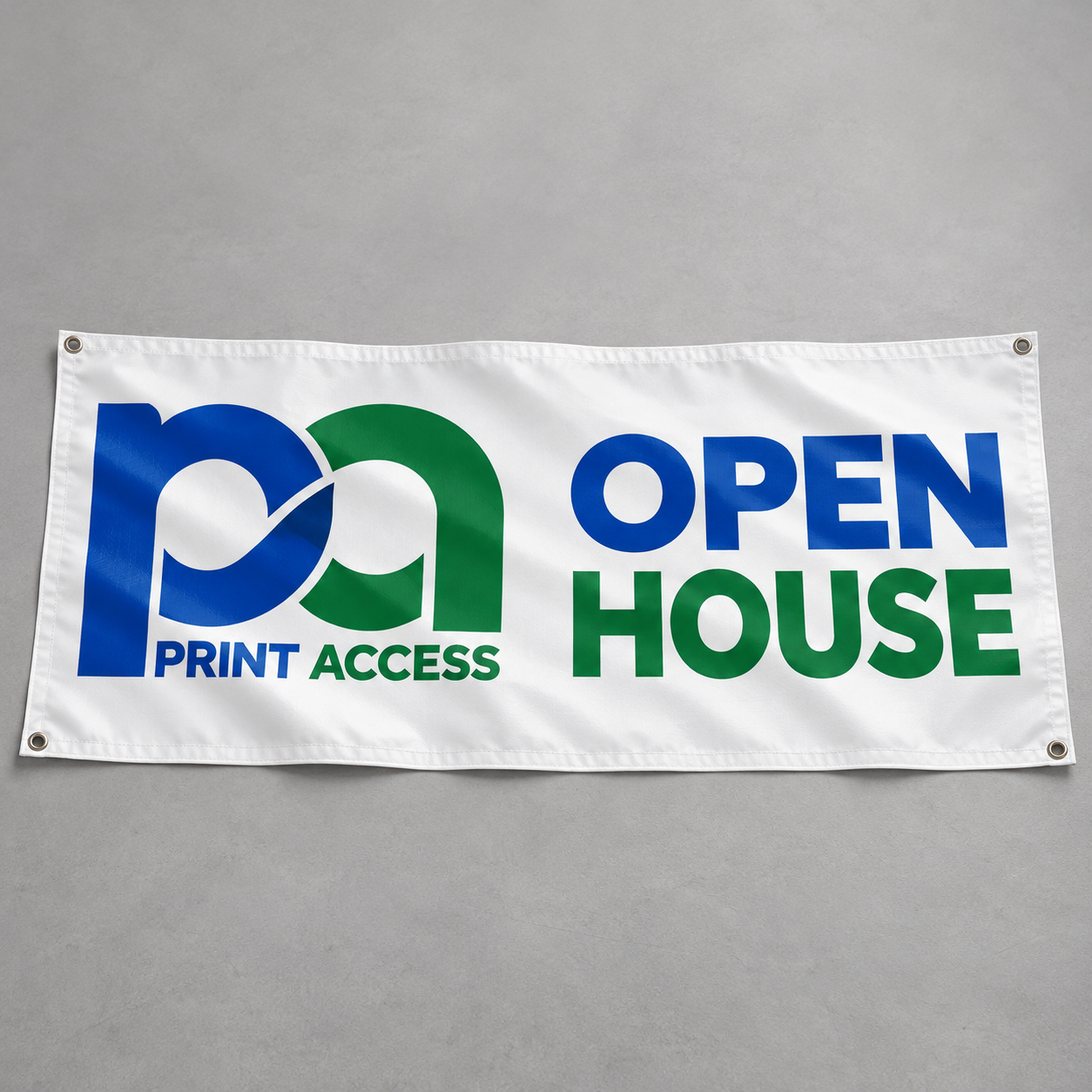 Instant product proof
3′ × 6′ white vinyl banner with reinforced grommets
Upload finished artworkPDF, AI, EPS, SVG or high-resolution PNG · Maximum 100 MB
open-house-banner.pdf
12.4 MBUploaded
12.4 MBUploaded
- Document size: 36 × 72 inPass
- Bleed: 0.25 inPass
- Image resolutionPass
- Fonts embeddedPass
Proof ready: Artwork has been placed inside the configured print area and is ready for customer approval.
Review scope: This is Workflow 4 only. Workflow 5 will not be built until this workflow and its admin setup are approved.