Multi-Size / Variant Purchase
Choose one product and enter separate quantities for multiple sizes or variants.
When to use it
Best for apparel, uniforms, and other products ordered across several sizes in one purchase.
Customer experience
- View product
- Choose sizes
- Enter quantity per size
- Add all variants to cart
Admin setup
Select Multi-Size / Variant Purchase. PrintAccess automatically creates the required Size option with S through 3XL; the admin can then edit the values, image and pricing.
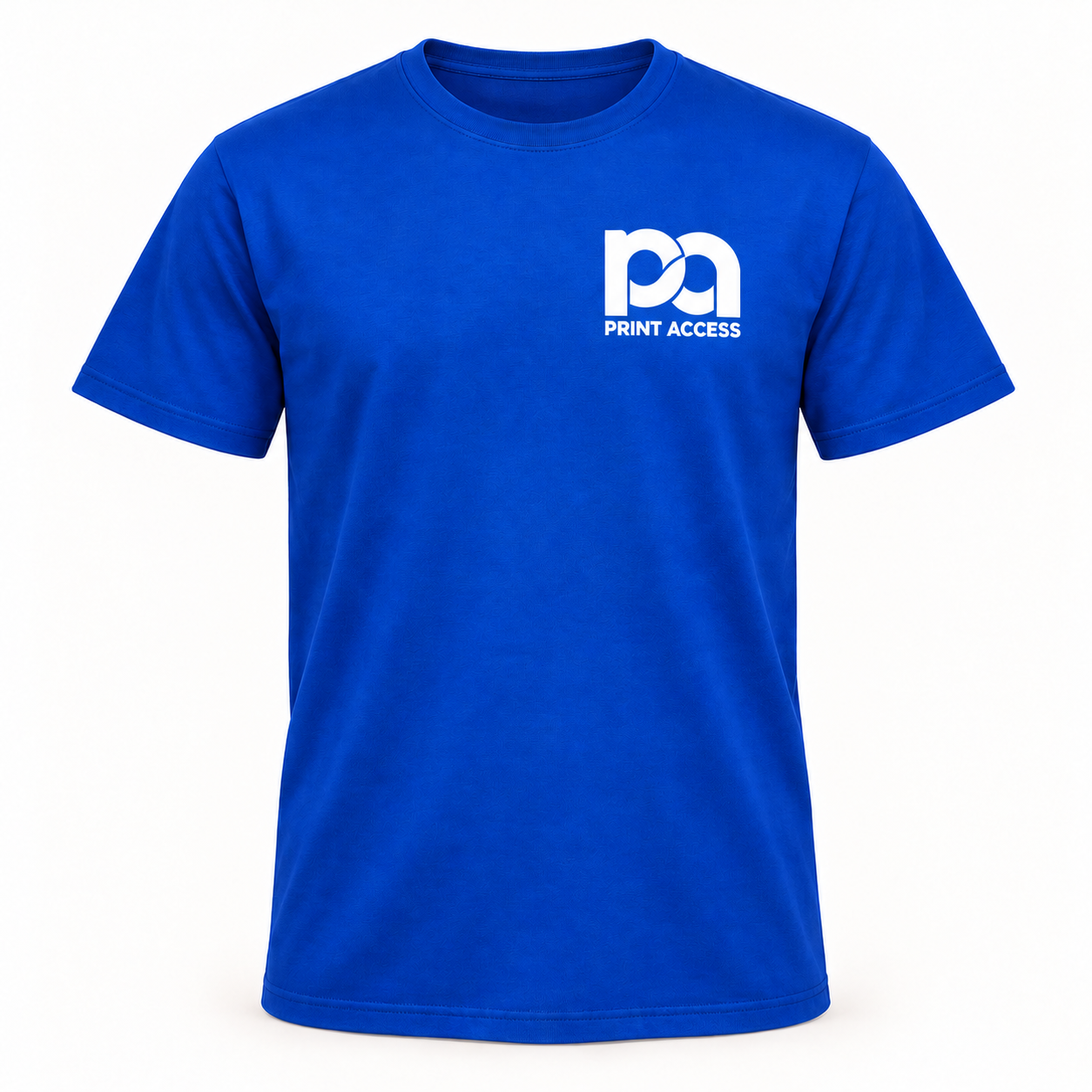
TEAM APPAREL
Logo T-Shirt
Enter a quantity for every size needed in this order.
$18.00 each
Review scope: This is Workflow 2 only. Workflow 3 will not be built until this workflow and its admin setup are approved.