Standard Purchase
Choose a ready-to-buy product, select a quantity, and add it to the cart.
When to use it
Best for products that do not require artwork, editing, approval, or size breakdowns.
Customer experience
- View product
- Choose quantity
- Add to cart
- Checkout
Admin setup
Select Standard Purchase, add the product information, image and pricing, then publish it to the chosen client store.
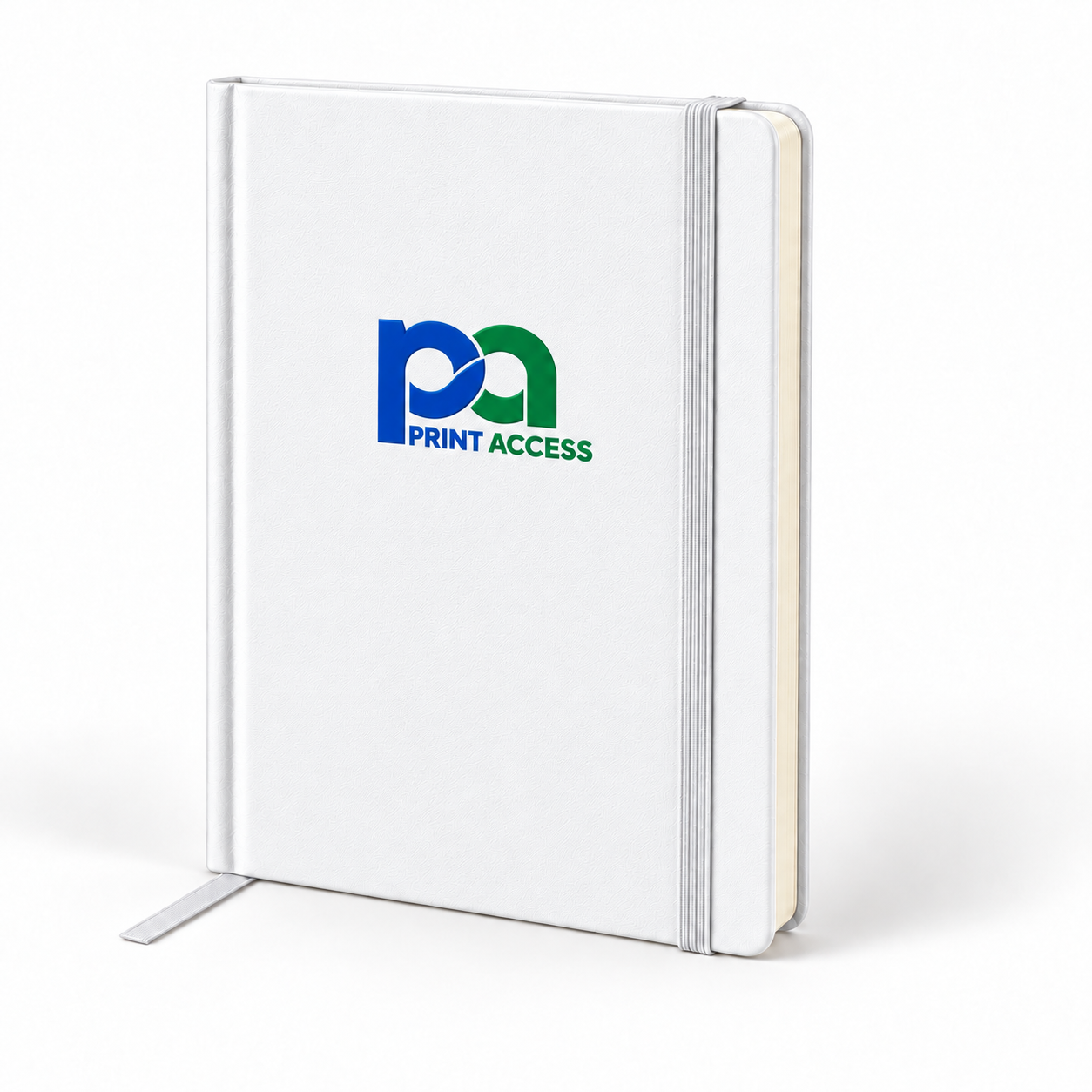
OFFICE ESSENTIALS
Classic Notebook
A ready-to-buy item with no editing or approval required.
$12.50
Review scope: This is Workflow 1 only. Workflow 2 will not be built until this workflow and its admin setup are approved.